
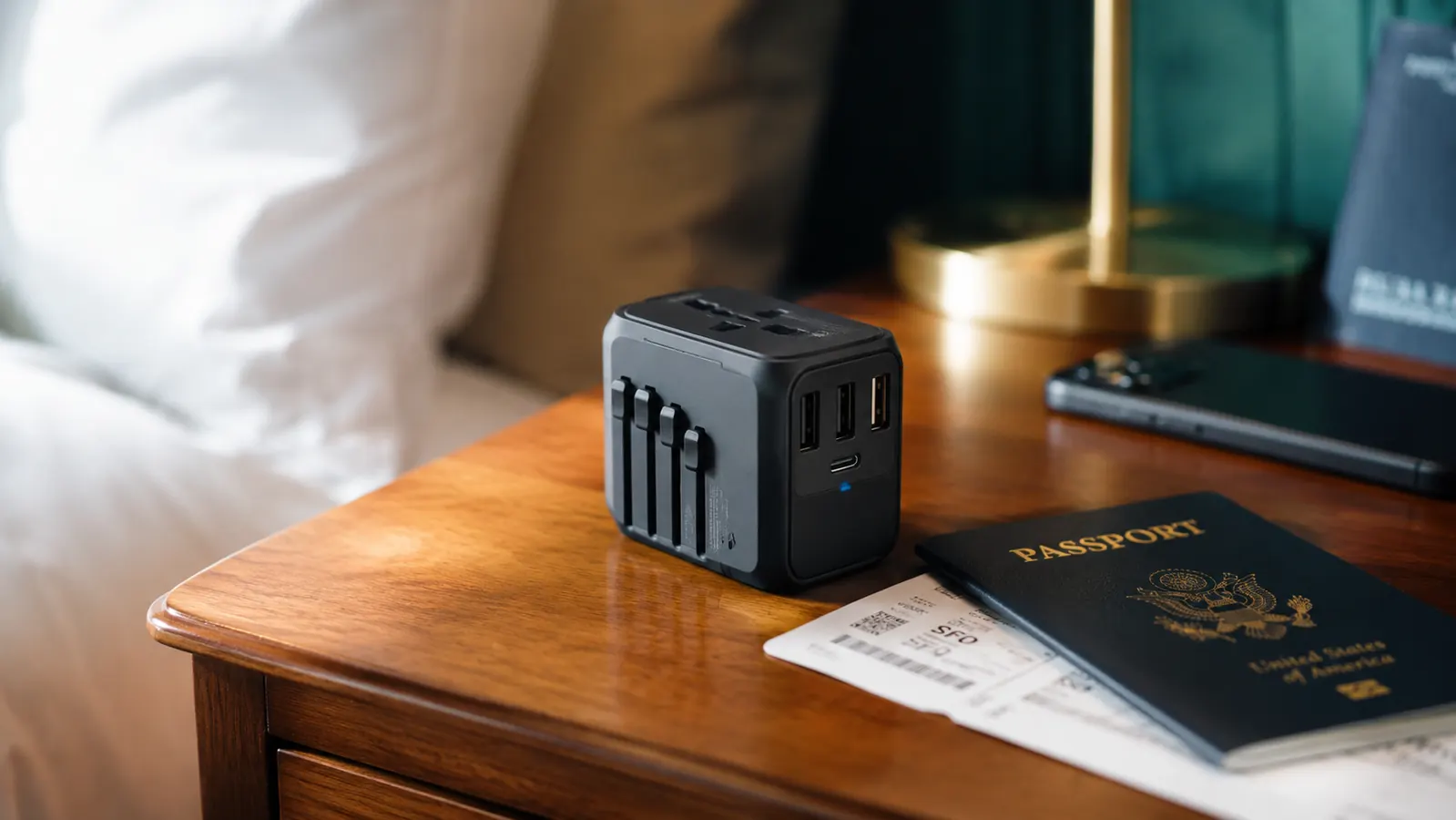
I have watched grown adults cry in hotel lobbies. Not from jet lag. From a fried hairdryer and the slow realization that they did not know the difference between a travel adapter and a voltage converter. A plug adapter changes the shape of your plug so it fits a foreign wall socket. It does not step down or step up voltage. That single misunderstanding has destroyed more electronics in more countries than I can count. The good news is that most modern devices -- laptops, phones, tablets, cameras -- handle voltage automatically. The VYLEE universal travel adapter, with its 5-in-1 plug system and four built-in charging ports, is the one piece of gear I use to keep everything running on every trip. But gear only works when you know how to use it correctly. This guide walks you through every step.
We will cover how to read your device labels before you pack, which plug type you need for each region, how to prioritize your USB-C PD port for the fastest charges, and how to avoid the single mistake that sends a device to the trash on day one of a two-week trip. Five steps. No electrical engineering required.
Stop carrying four separate adapters -- here is the one that handles 150 countries
The VYLEE 5-in-1 universal travel adapter covers Type-A, Type-B, Type-C, Type-G, and Type-I outlets with 2 USB-A ports and 2 USB-C ports built in. Rated 4.6 stars from over 14,000 travelers.
Amazon Check Today's Price on Amazon →Step 1: Check Every Device Label for Voltage Input Before You Pack
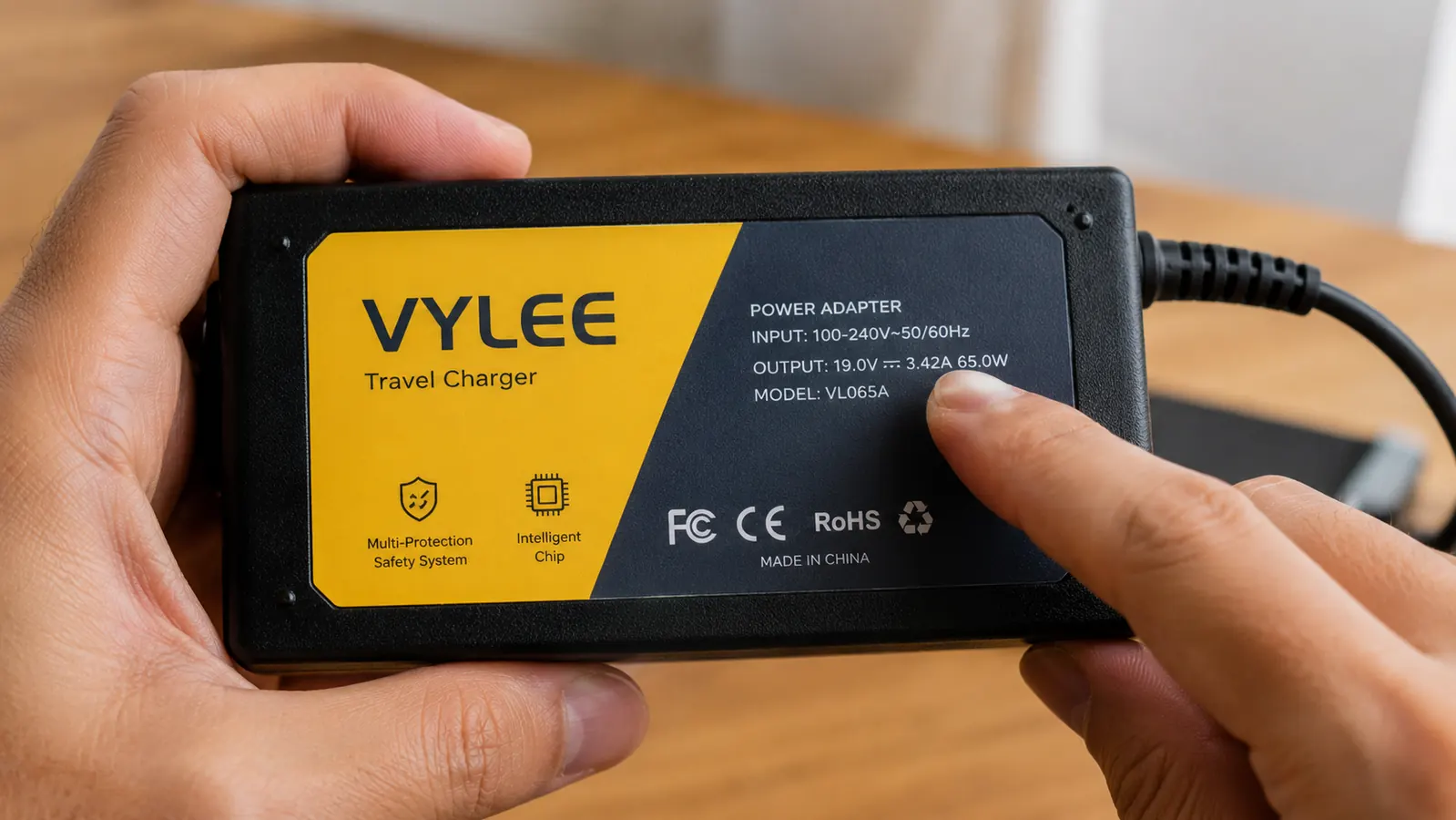
Flip your device's power brick or charger upside down. Look for a line that reads something like INPUT: 100-240V ~ 50/60Hz. If you see 100-240V, that device is dual voltage. It self-adjusts to whatever the local grid delivers, whether that is 110V in the United States or 220V in Germany. A plug adapter is all you need. If the label reads only 110V or only 120V, that device is single voltage and will be damaged -- sometimes catastrophically -- if you plug it into a 220V outlet with just a plug adapter. You would need a separate voltage converter for that item.
In practice, almost every modern laptop charger, phone charger, camera charger, and USB hub is dual voltage. The items most likely to be single voltage: older hairdryers, curling irons, some travel irons, and cheap electric shavers. Check those specifically. Anything you buy at a drugstore for a couple of dollars is probably single voltage. Anything with a quality brick-style charger almost certainly is not. Write a quick list before you start packing: dual voltage items get the adapter treatment, single voltage items either stay home or get a converter.
Step 2: Know Which Plug Type You Need for Each Country on Your Itinerary
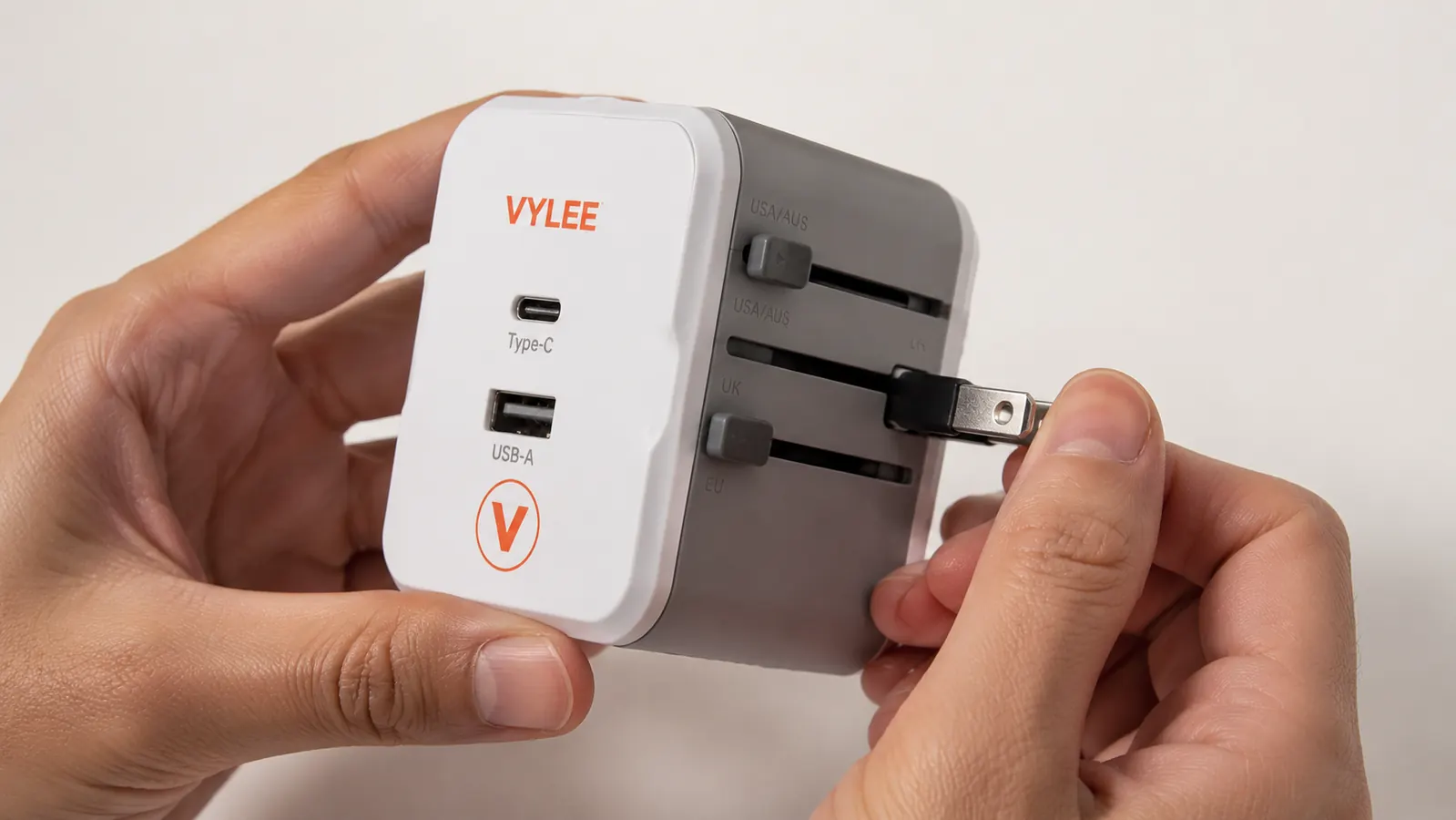
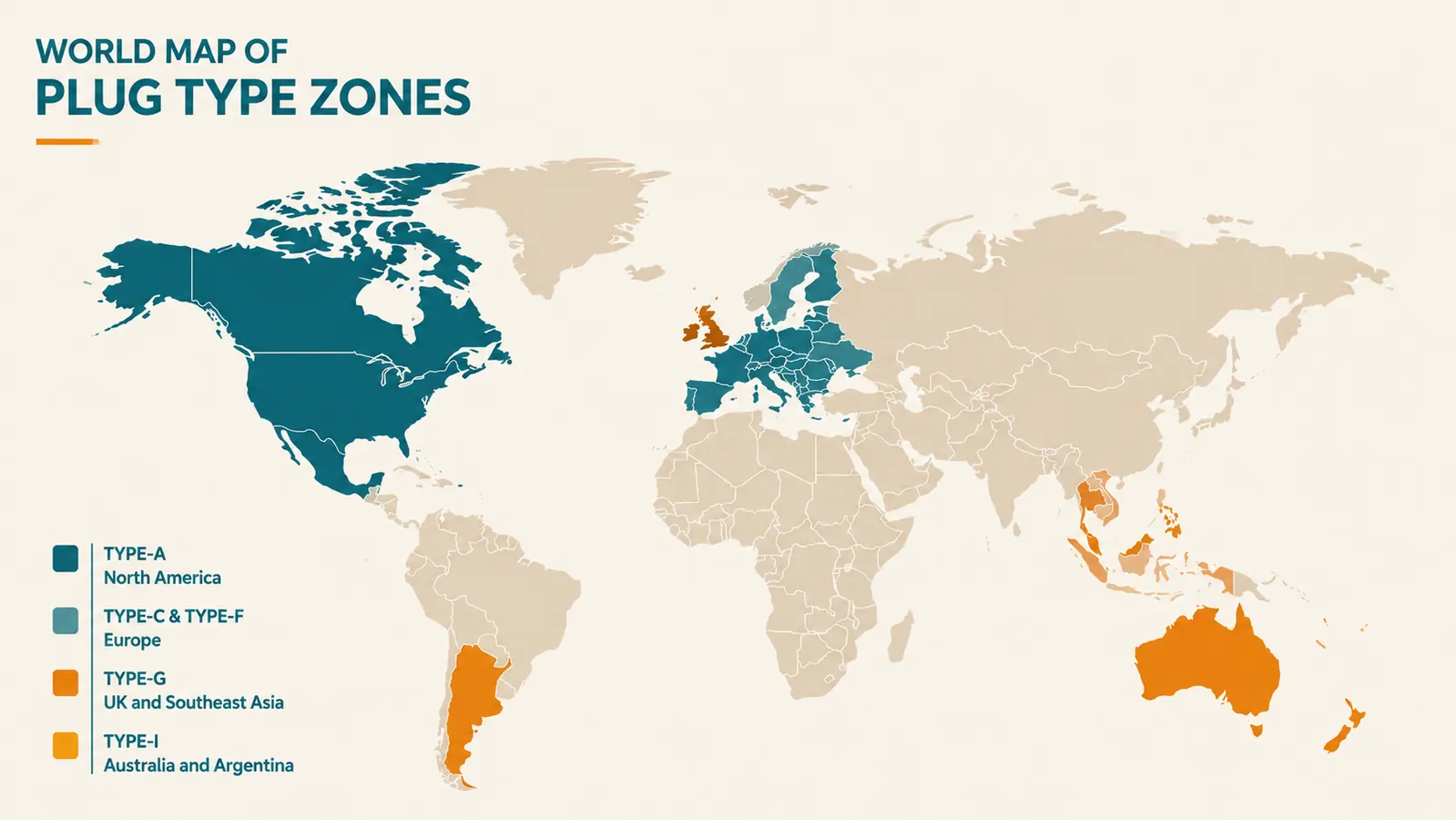
There are fifteen plug types in the world, but most international travelers only encounter five of them regularly. Type-A is the standard two-flat-prong plug used in the United States, Canada, Mexico, and Japan. Type-B is the same but with a round grounding prong added, also common in North America. Type-C is the two-round-prong plug found across most of continental Europe, South America, and large parts of Africa. Type-G is the three-rectangular-prong UK plug used in Britain, Ireland, Hong Kong, Singapore, Malaysia, and much of the Middle East -- it is the one that looks almost comically large. Type-I is the two or three diagonal flat-prong plug used in Australia, New Zealand, China, and Argentina.
The VYLEE adapter covers all five of these with one sliding-mechanism body. Before a trip, I look at my itinerary city by city and confirm which plug type is needed for each country. If you are moving through multiple plug zones -- say, the UK then Thailand then Australia in a single trip -- you want one adapter that handles all three transitions without you buying new gear in each airport. That is exactly what the 5-in-1 design is built for. A quick country-to-plug cheat sheet: United Kingdom and Ireland use Type-G; France, Spain, Italy, and Germany use Type-C or Type-F (compatible with Type-C); Australia and New Zealand use Type-I; Japan uses Type-A.
Step 3: Assign the USB-C PD Port to Your Highest-Power Device
The VYLEE adapter gives you two USB-A ports and two USB-C ports sharing the adapter body alongside the main AC pass-through socket. The USB-C ports support Power Delivery charging, which means they can push more wattage to devices that request it -- most noticeably modern laptops and iPad Pros. Not all ports are created equal even on a multi-port adapter, so I have a simple rule: the USB-C PD port goes to the device with the biggest battery or the one I need charged fastest. That is almost always my laptop in the morning and my phone at night.
Keep in mind that total output wattage is shared across all ports when multiple devices are charging simultaneously. If you have a laptop, a phone, and a tablet all drawing power at once, each device charges more slowly than it would alone. That is not a flaw -- it is physics. The practical fix: charge your laptop overnight on the USB-C port alone, then use the USB-A ports for smaller devices during the day. You can also use the main AC socket for a device that came with its own wall charger (like a camera battery charger or a CPAP machine) while simultaneously running USB devices from the same adapter.
The USB-C port goes to the device with the biggest battery or the one I need charged fastest. That single rule has never let me start a travel day with a dead laptop.
Step 4: Plug In Correctly and Watch for the First 60 Seconds
Slide the correct prong configuration out of the VYLEE adapter body for your destination country. Insert the adapter into the wall socket first, before you connect any devices. Some older sockets in budget hotels and guesthouses are worn and do not grip firmly -- if the adapter wobbles, find another socket rather than propping it in place. A poor connection creates heat at the contact point, which is how fires start. Once the adapter is seated firmly, connect your devices and wait 60 seconds. Touch the adapter body lightly with the back of your hand. It should be warm at most, not hot. Some warmth under load is normal. Hot means either too many devices drawing too much simultaneous wattage or a socket that is not delivering clean power.
The VYLEE includes surge protection, which provides a meaningful safety buffer against the voltage spikes common on older electrical grids in parts of Southeast Asia, East Africa, and South America. Surge protection does not replace the need to check your device labels for dual voltage -- it protects against spikes above the rated input, not against sustained over-voltage to a single-voltage device. Treat those as two separate concerns. Surge protection is your safety net; dual-voltage compliance is your foundation.
Step 5: Build a Charging Routine That Fits the Room You Are Actually In
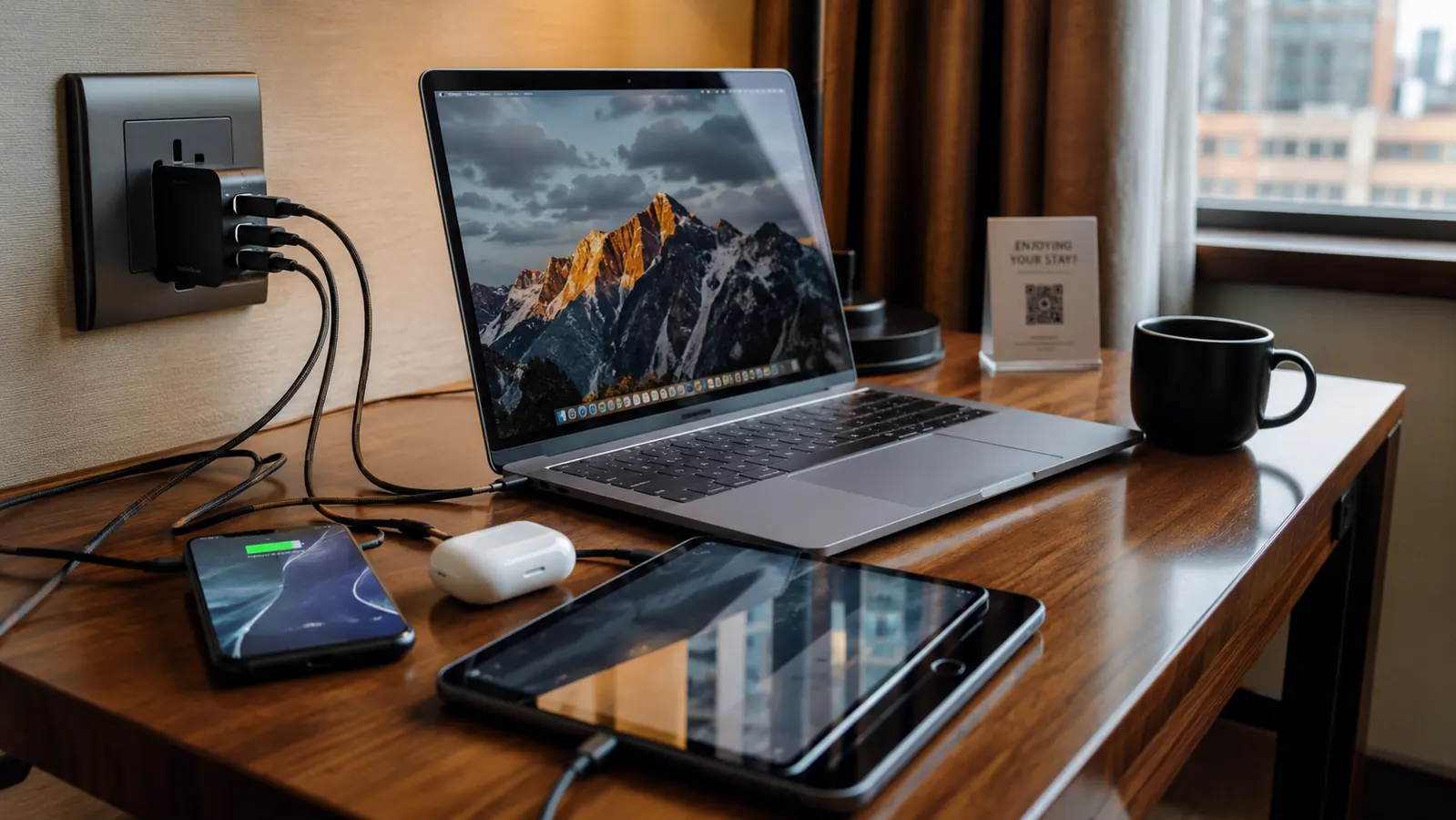
Hotel rooms in Europe often have as few as one or two outlets positioned nowhere near the desk. Older rooms in Asia sometimes have only a single floor-level socket beside the bed. The VYLEE adapter's built-in USB ports mean you convert one wall socket into five simultaneous connection points -- one AC pass-through, two USB-A, two USB-C -- without carrying a separate power strip. That is the real value proposition in countries where outlet scarcity is the bottleneck.
My routine: I plug the adapter into the highest-placed accessible socket (usually near the mirror or beside the bed), connect my laptop on USB-C, phone on USB-A, and run the camera charger through the AC pass-through. Overnight, everything is full by morning. If I am in a room with two accessible sockets, I use the second one for a local-plug device like a kettle and keep my adapter dedicated to personal electronics. Do not try to run room appliances through the adapter's AC socket if they draw high sustained wattage -- kettles, mini-fridges, and air conditioning units should use the room's native sockets directly.
One more detail worth building into the routine: before checkout each morning, do a port check. The VYLEE adapter is compact enough to blend into a nightstand corner, and I have left adapters behind in hotel rooms on two separate occasions before I started making it the last item I pack -- not the first. Set it on top of your passport when you go to sleep. You will not leave without noticing.
What Else Helps
A quality cable organizer pouch keeps all your cables and adapters in one pocket so you are not digging through your bag at 6am trying to find the USB-C cable you need. A short 1.5-meter extension cord -- bought locally if needed -- solves the outlet-in-the-wrong-corner problem in rooms where the socket is fixed behind heavy furniture. And if you travel with a CPAP or BiPAP machine, confirm with the manufacturer that your specific model is dual voltage before relying on the adapter alone, since some older CPAP units require a dedicated converter.
For those traveling with camera gear, consider whether your battery charger's brick lists 100-240V input. Most do. If it does, run it through the AC pass-through on the VYLEE and you can charge a battery and your phone simultaneously from a single wall socket -- a small efficiency that matters when you are in a 10-bed hostel with one shared outlet strip. For more background on the VYLEE adapter itself, including how the surge protection and USB-C PD wattage hold up across real trips, see the full VYLEE universal travel adapter review. If you are still weighing whether a universal adapter is the right move for your trip, 10 reasons every international traveler needs a universal travel adapter lays out the case clearly.
Every device charged, every country covered -- one adapter does the job
The VYLEE 5-in-1 universal travel adapter handles 150-plus countries, includes USB-C PD and USB-A ports, and fits in your palm. Over 14,000 travelers rely on it. Check today's price on Amazon before you pack.
Amazon Check Today's Price on Amazon →